Every seasoned digital nomad knows the dreaded "Admin Sunday." You sit in a cafe in Lisbon or Chiang Mai with twenty browser tabs open: Google Sheets, Revolut, airline confirmation PDFs, and thousands of uncategorized travel photos.
Did that €42 payment happen at the coworking hub or the seafood bistro around the corner? Which day did you hike through Sintra, and what was the name of the boutique hostel where you met that German designer?
"When you change cities every few weeks, manual record-keeping quickly morphs from a mindful habit into an unpaid second job."
The Three-Layer Architecture for Borderless Living
To maintain a flawless log of nomadic life without typing a single cell into a spreadsheet, your setup must operate across three synchronized spatial layers:
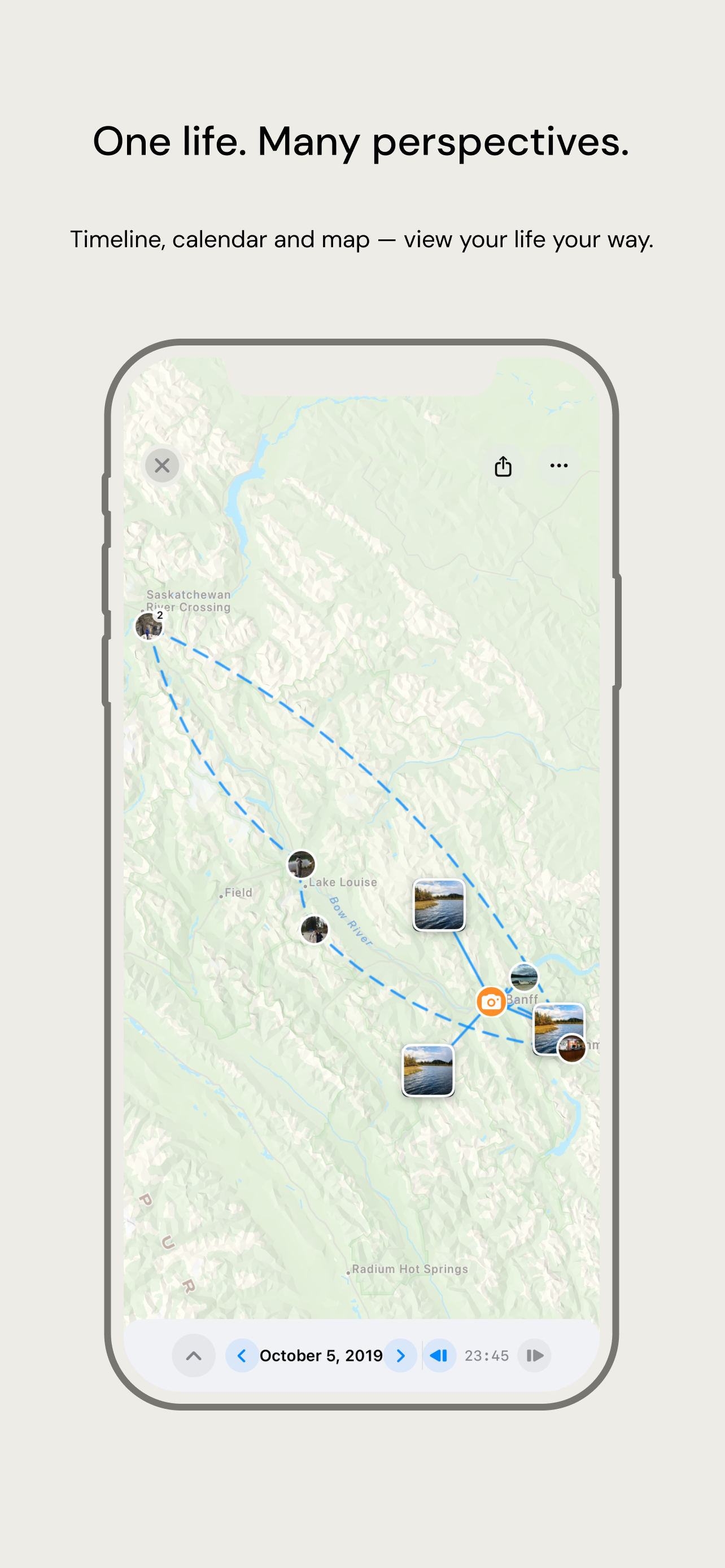
1. The Spatial Transit Layer (Passive Movement Mapping)
When taking flights or long-distance trains, manual logging is the last thing on your mind between boarding gates. In Ousia, the system runs with battery-safe sensor fusion to capture your long-distance transit nodes, time zones, and city-to-city movements completely hands-free.
2. Ground Trajectories & Place Clustering
Once on the ground, high-accuracy GPS tracking automatically maps your movements. Curves through historic cobblestone streets are rendered with natural, fluid smoothing, avoiding chaotic polygon spikes, while candid photos snap automatically to their physical locations.
3. Spending × Location (Multi-Currency Context)
Converting Yen, Euros, and Dollars into a home currency usually creates accounting headaches. With Ousia's 62 ready-made templates and 26 scenario books (including specialized Travel and Overseas books), credit card imports are matched directly against your movement timeline.
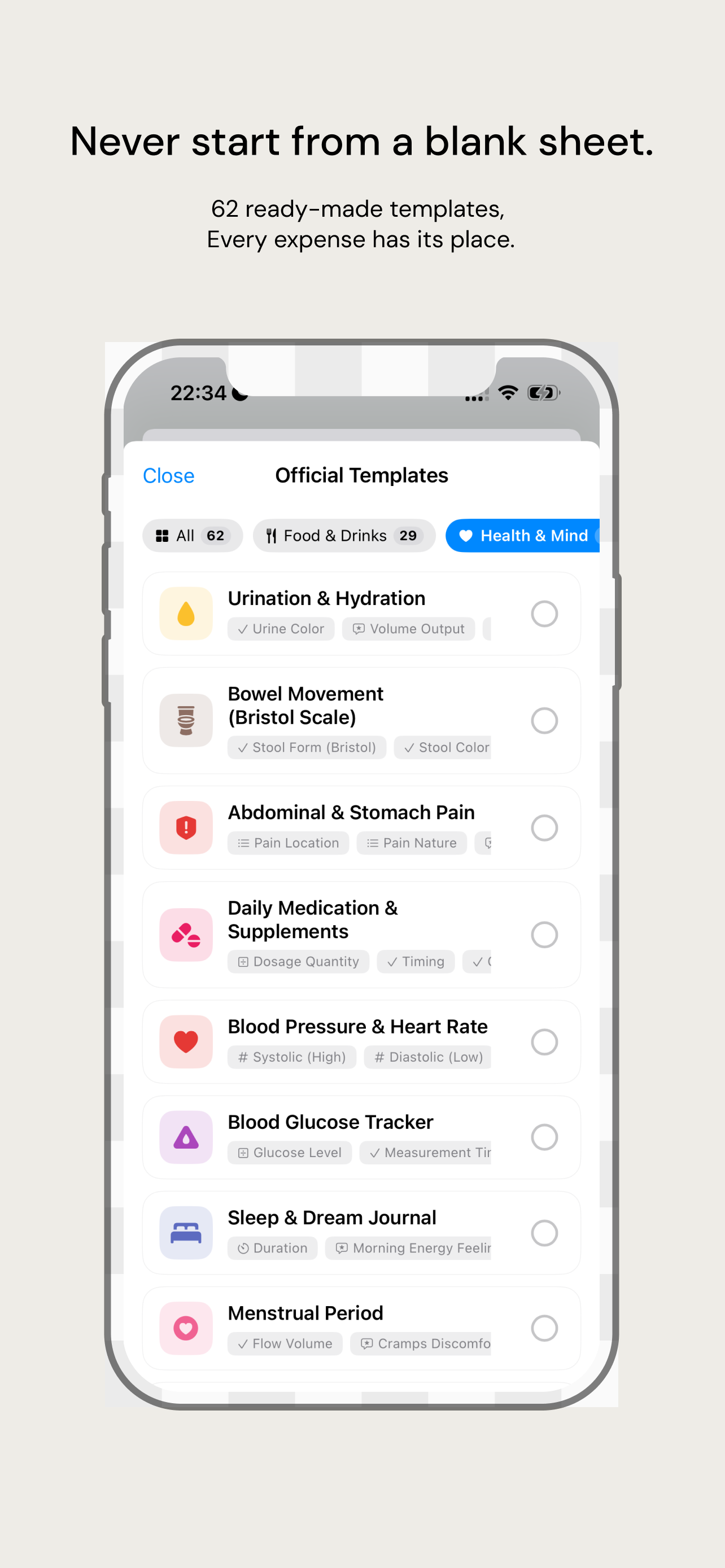
A $34 transaction in Tokyo isn't just an anonymous line item—it instantly displays as: "Dinner at Tsukiji Fish Market with Maya · Stayed 1h 20m."
Pro Nomad Tips: Widgets and Arrival Timers
Here are two battle-tested workflow tweaks used by long-term nomads:
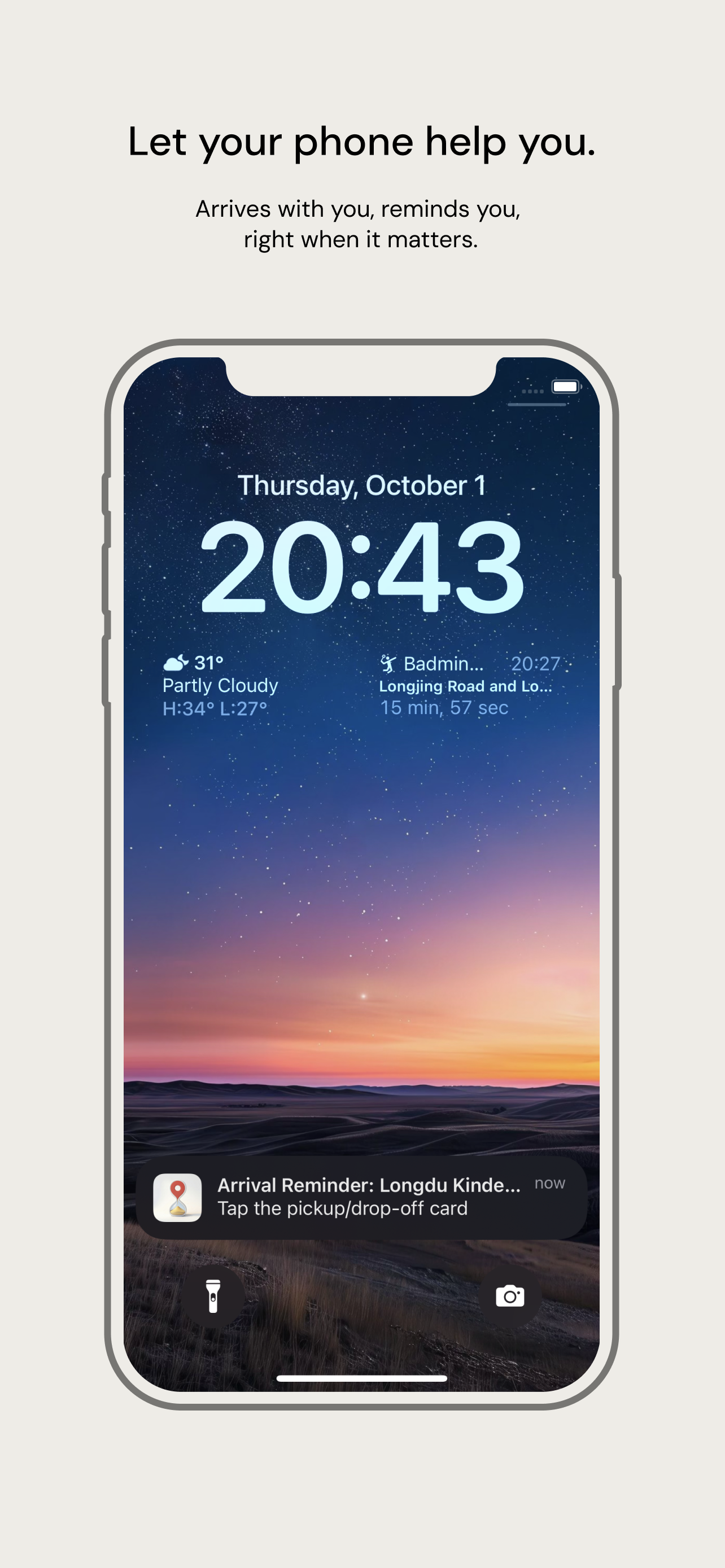
• Coworking Arrival Timer: Add Ousia's Arrival Timer widget to your iOS lock screen. It automatically counts your deep work hours whenever you walk into your coworking space.
• Location Threshold Reminders: Set location alerts for tasks like "Exchange cash before border train" that pop up precisely when entering the central train station.
Travel More. Type Less.
The joy of nomadic exploration lies in being fully present in the streets you walk. Let your device take care of the history; you focus on making the memories.
Upgrade Your Travel Journal
Experience automated airport recognition, fluid map trajectories, and local-first private timelines with Ousia.
Download Ousia on the App Store